Print Account Transactions
Use the feature to view and print the entire transaction details of an account. This feature is available only in online banking application.
Menu path: Accounts > Select an account > Account details and transactions > Print 
On the accounts details and transactions list screen, click the Print icon in the Transactions section.
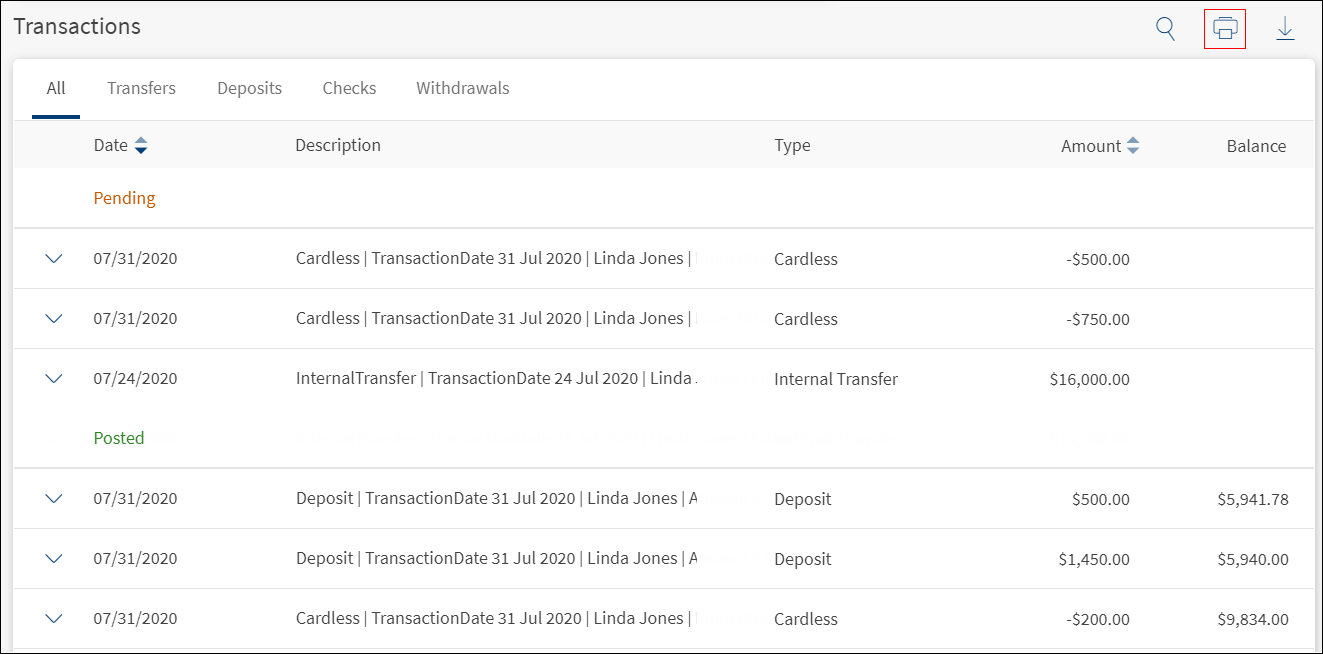
The application displays the print preview screen. Specify the required details and click Print. The application prints the transaction activity of the entire account.
In this topic
