Sectras Installation Guide
This document aims at explaining the installation procedures required to install this package successfully in Temenos Transact. The scope of the document is to cover the release mechanism of the package.
When transferring the pack via FTP the transport method must be set to binary.
System Requirements
The following are the pre-requisites for installing this package.
- Jdk 1.8
- Temenos Transact.
General Considerations
General considerations are detailed below.
 For DESCTX_SectrasIncoming.zip
- Extract the zip file.
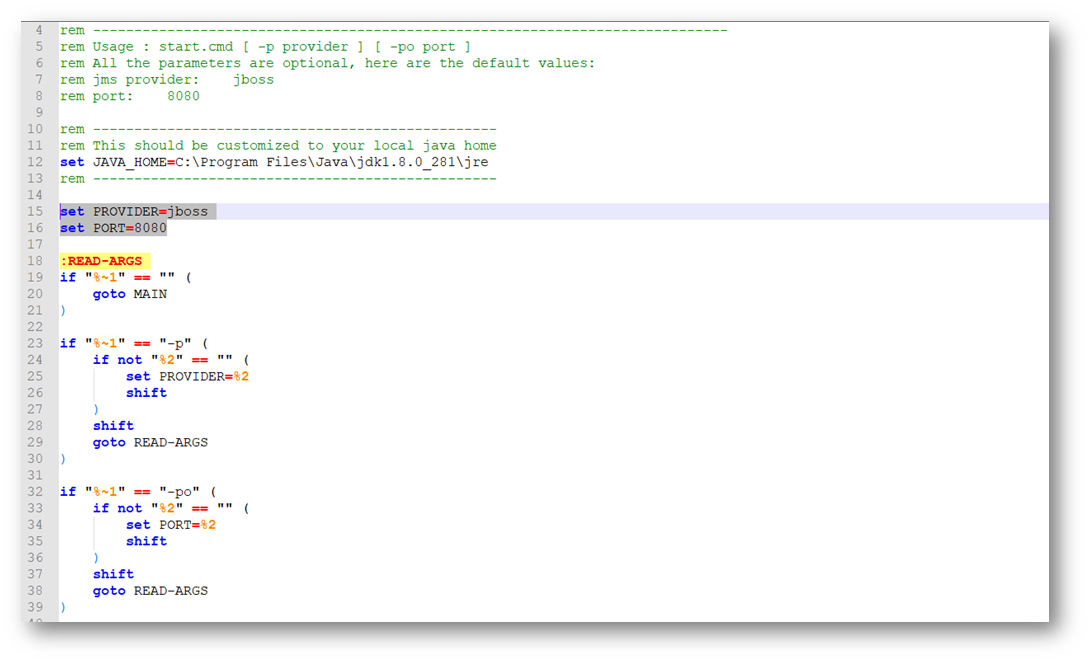
- In start.cmd file, set the following details:
- JAVA_HOME variable: points to java jdk location. E.g: C:\java\jdk8\jre.
- PROVIDER variable: contains the queue broker name. It accepts the following values: jboss, ibmmq, activemq, amazonmq, weblogic.
- PORT variable: can be any available port number to be used by the package.

- If the above values are not set, then the following values will be defaulted:
- PROVIDER=jboss
- PORT=8080
- Open the respective application properties for the queue broker type and set the JNDI values. For example, if queue broker is jboss, we need to open application-jboss.properties and set the values.
 For DESCTX_SectrasOutgoing.zip
- Extract the zip file.
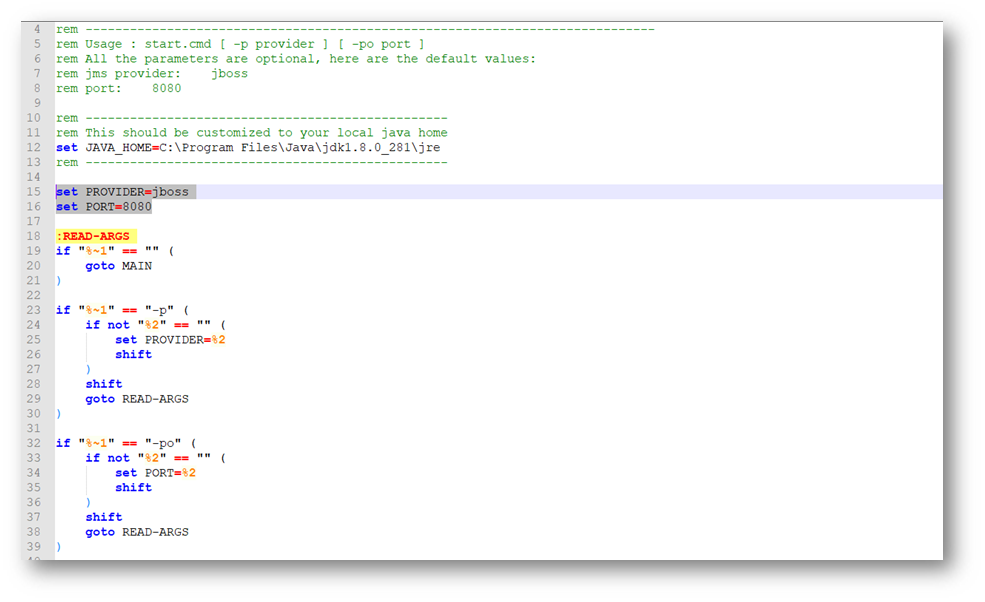
- In start.cmd file, set the following details:
- JAVA_HOME variable: points to java jdk location. E.g: C:\java\jdk8\jre.
- PROVIDER variable: contains the queue broker name. It accepts the following values: jboss, ibmmq, activemq, amazonmq, weblogic.
- PORT variable: can be any available port number to be used by the package.

- If the above values are not set, then the following values will be defaulted:
- PROVIDER=jboss.
- PORT=8080.
- Open the respective application properties for the queue broker type and set the JNDI values. For example, if queue broker is jboss, we need to open application-jboss.properties and set the values.
Contents of the Package
The package contains the following.
DESCTX_SectrasIncoming Components
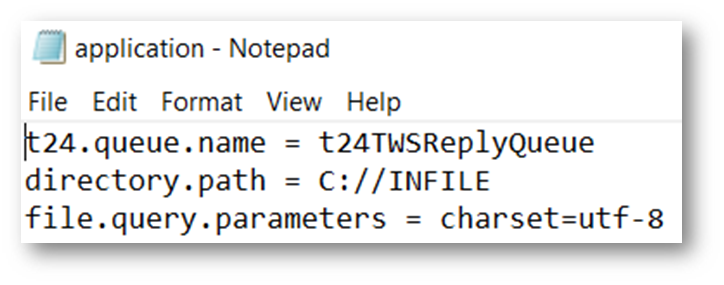
- Application.properties:
- t24.queue.name: Internal queue where message is uploaded.
- directory.path: Folder path of incoming file.
 DESCTX_SectrasOutgoing Components
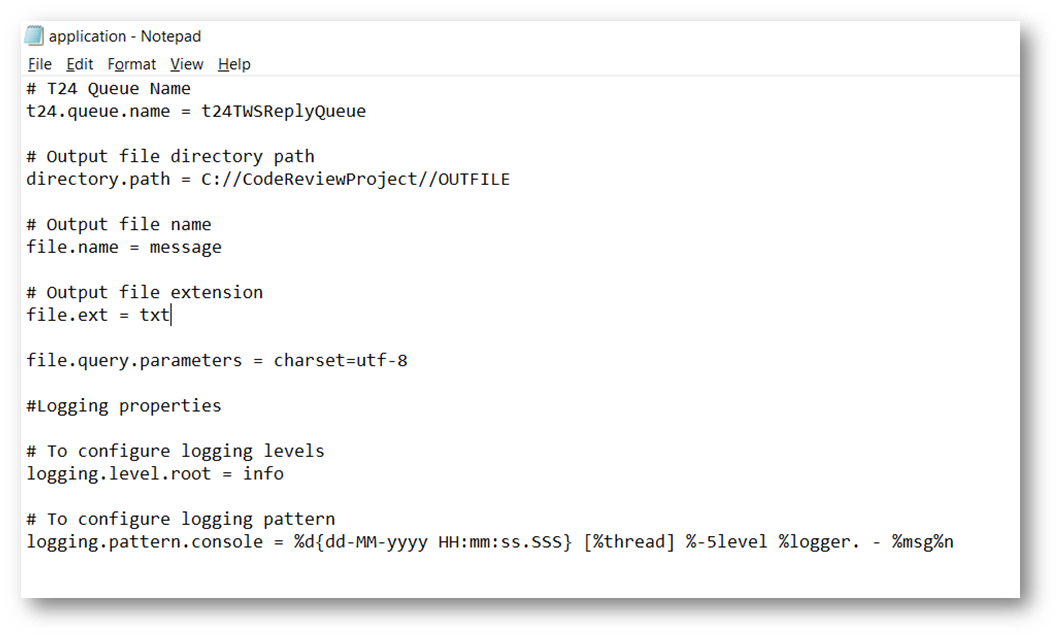
- Application.properties:
- T24.queue.name: Internal queue from where message is picked.
- directory.path: Folder path where output file must be placed.
- file.name: Name of output file to be generated.
- file.ext: Extension of output file.

Deployment Steps
- Open a command window in the extracted package location, and execute the command start.cmd.
- Syntax: start.cmd [ -p provider ] [ -po port ]EXAMPLE:
Start.cmd –p jboss –po 8080
…\package>start.cmd -p jboss -po 8080
- Logs will generated in log folder for monitoring purpose. For exmaple,…\package\log\ console_[providername]_[datetime].txt.


Special Instructions
In case of Linux environment, kindly ensure that the “start.sh” has “LF” as line separator.
Configuring the System
Follow the steps below to configure the system.
Setting Up Queues
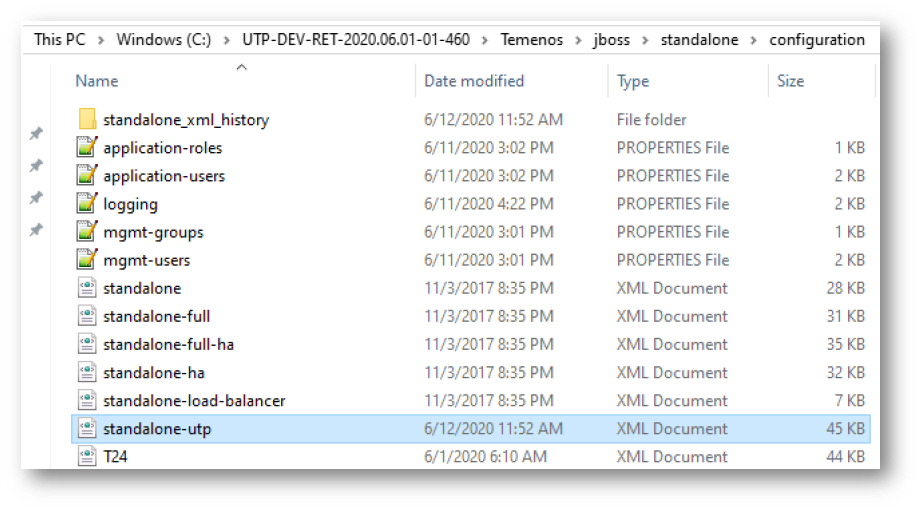
- The queues to be utilized must be added to the standalone-utp.xml file.
- The path and format is as shown below.
- Here we mentioned as our local reference XML file. Kindly make changes in the client area configuration Jboss XML file.

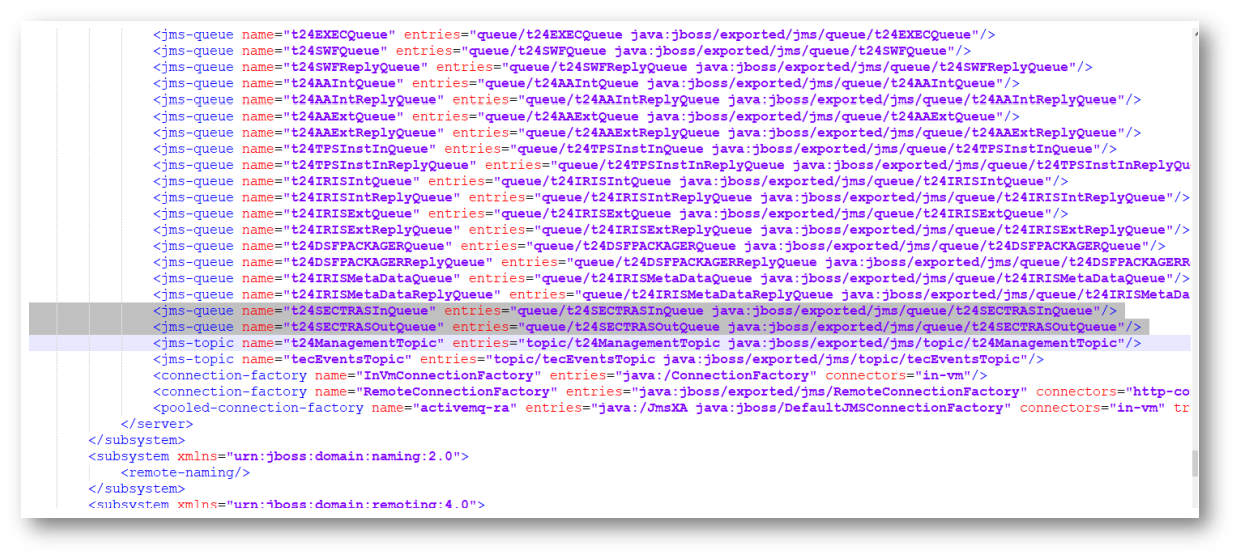
- Here kindly configure the Sectras shared queue details.
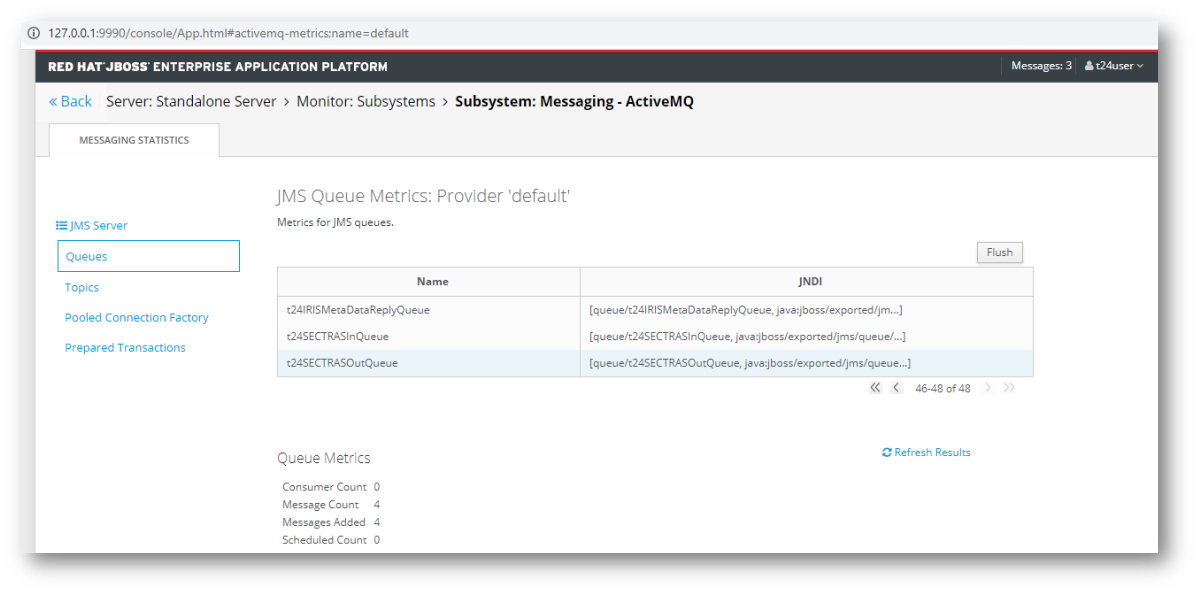
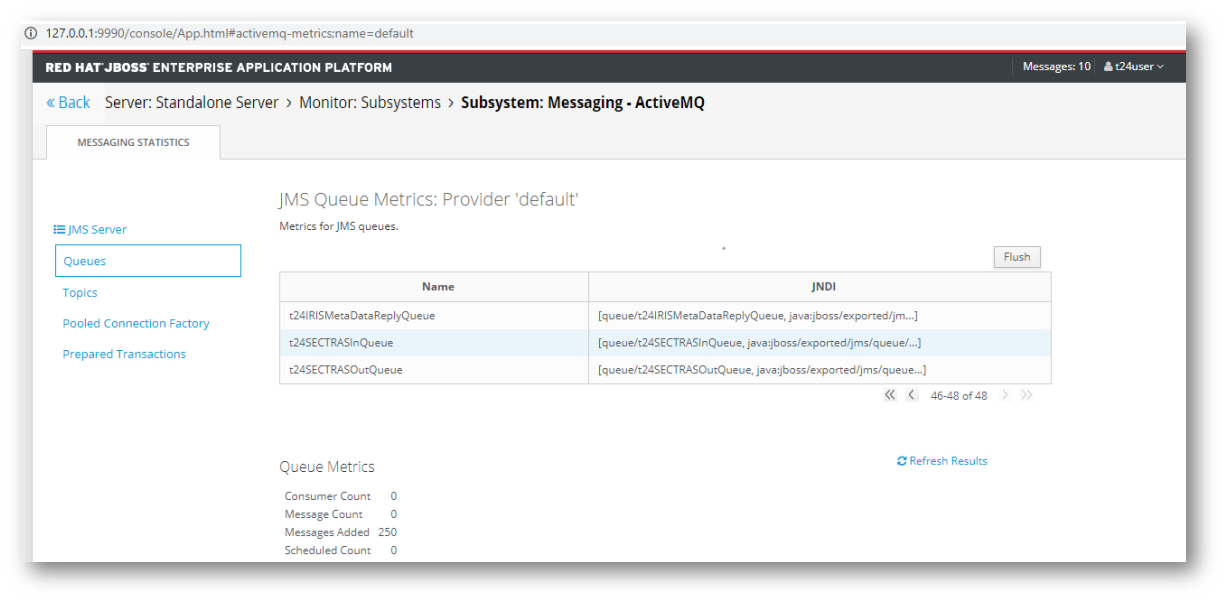
- The queues can be viewed in http://127.0.0.1:9990/console/App.html#standalone-runtime.


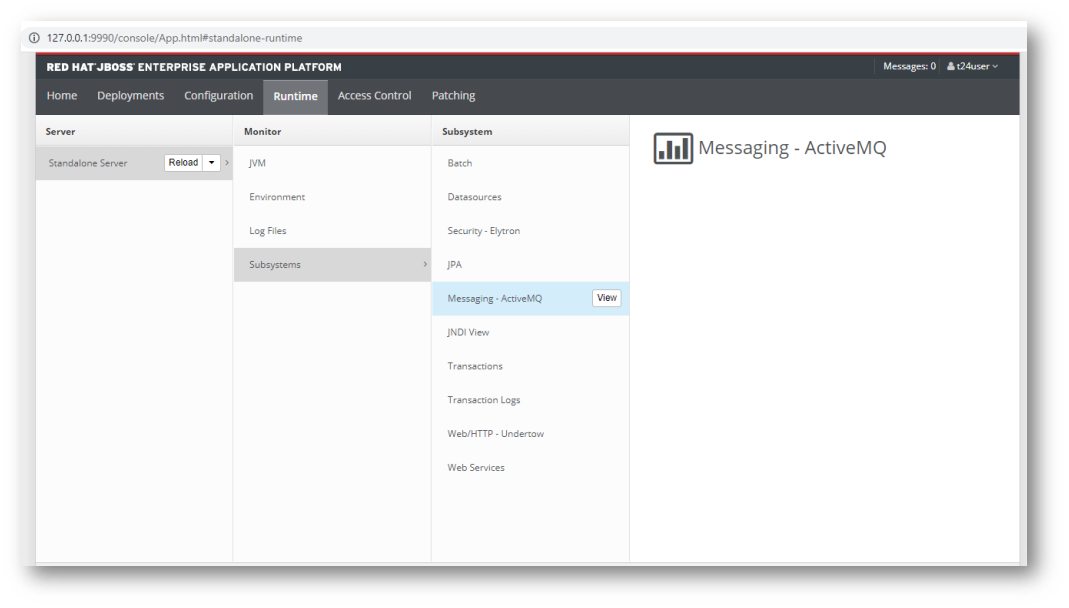
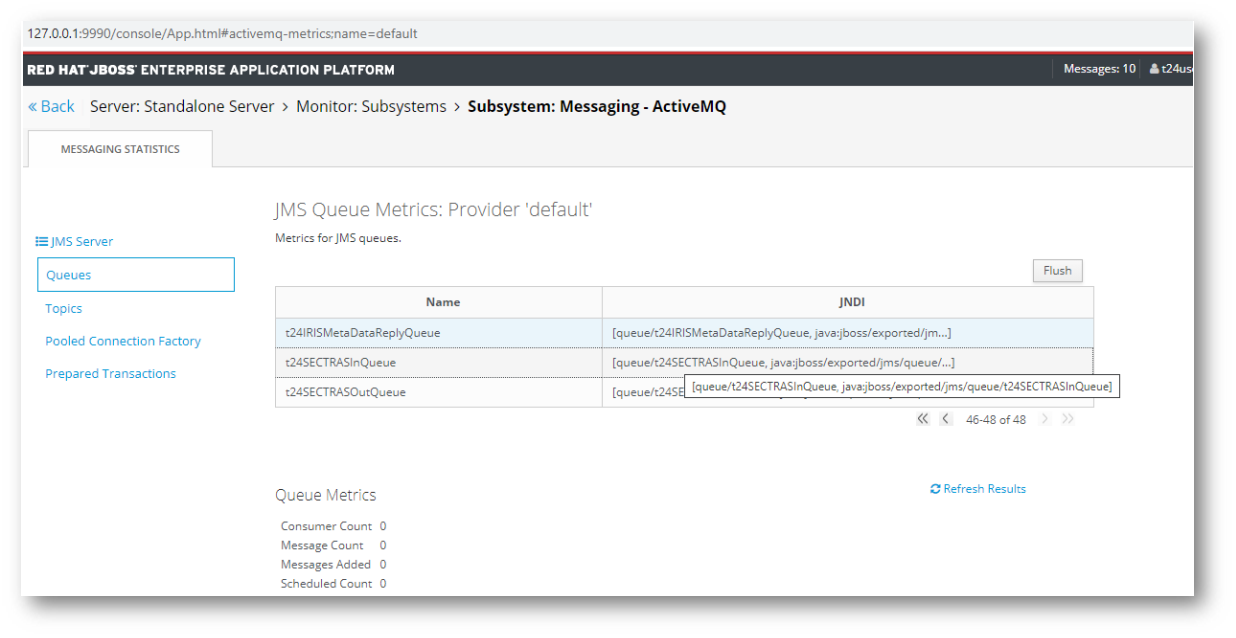 Sectras Outward Queue
- The JMS injector war will send messages to the queue.
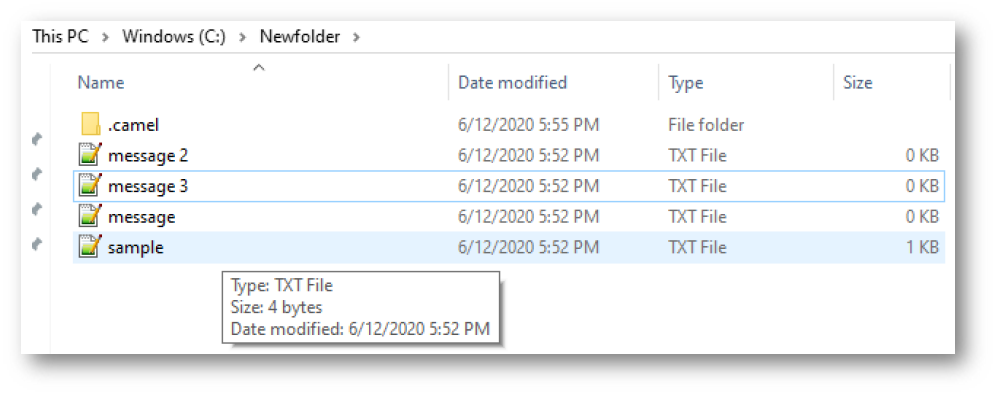
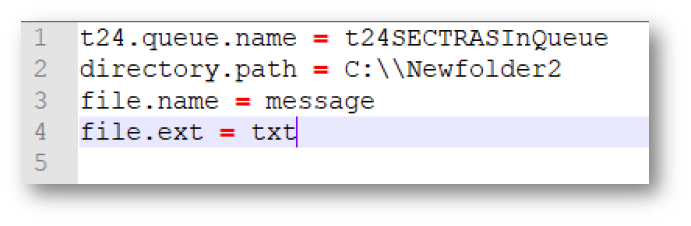
- The input file is picked up from a configured path. Configuration settings are made as below.NOTE: Here kindly mention the path, which we configured in the DFE.PARAMETER application.
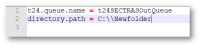
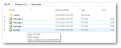
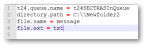
- Configure the queue name and the folder where the input files are placed, as depicted.
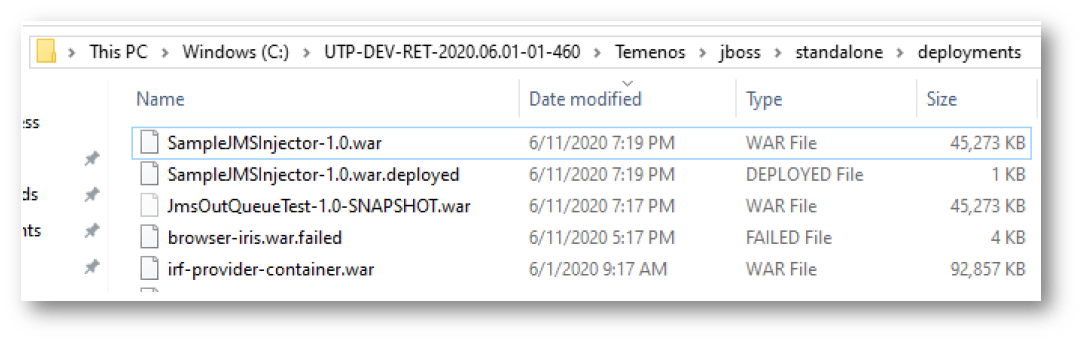
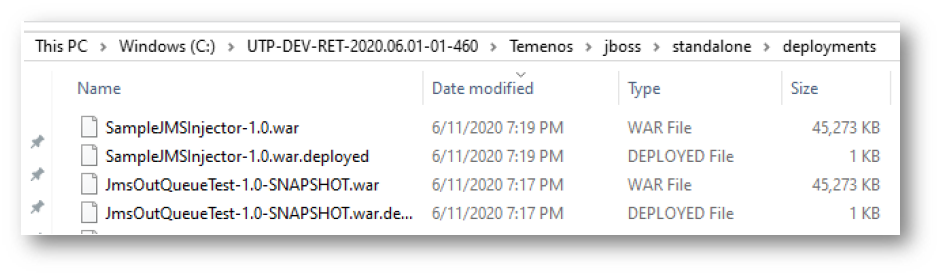
- Then the war file is deployed in jboss/standalone/deployments.
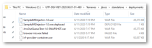
- Once the war is deployed the messages will be picked up from the location and added to the outward queue.

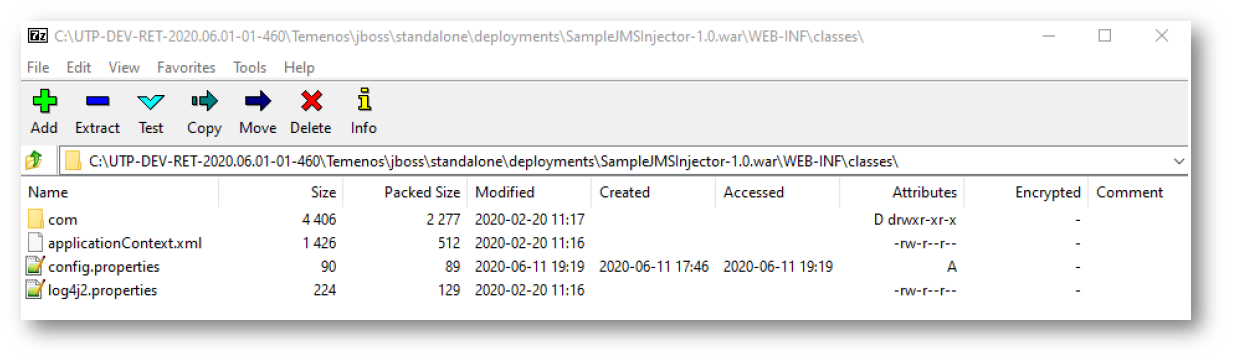
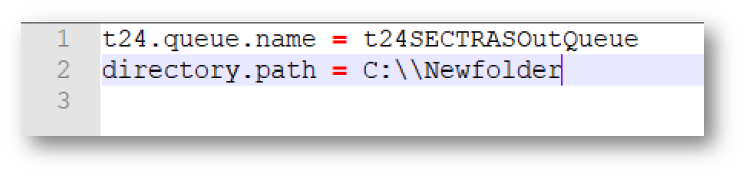
 Sectras Inward Queue
- The JmsOutQueueTest picks up messages from configured queue and places it in the specified location.
- The config.properties file in JmsOutQueueTest.war is configured to pick up messages from the queue and place them in the desired location.NOTE: Here kindly mention the path, which we configured in the DFE.PARAMETER application.
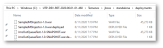
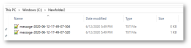
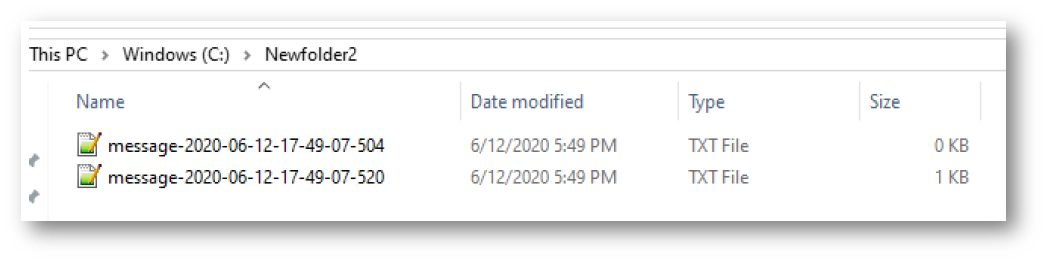
- Once the war is deployed, the output file is placed in mentioned path.

In this topic
