Selecting multiple application and version exit points
You can select multiple application and version exit points.
Procedure
-
In order to choose multiple exit points, you need to define a new event. Select Exit Point type either as an Application or a Version.
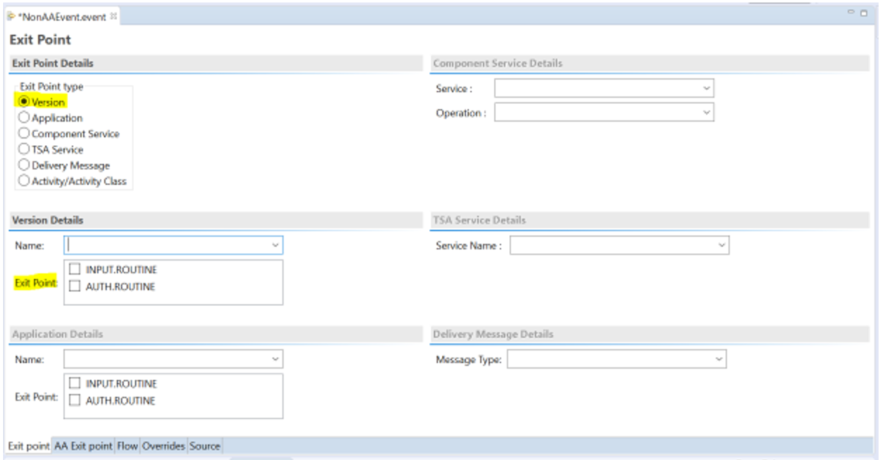
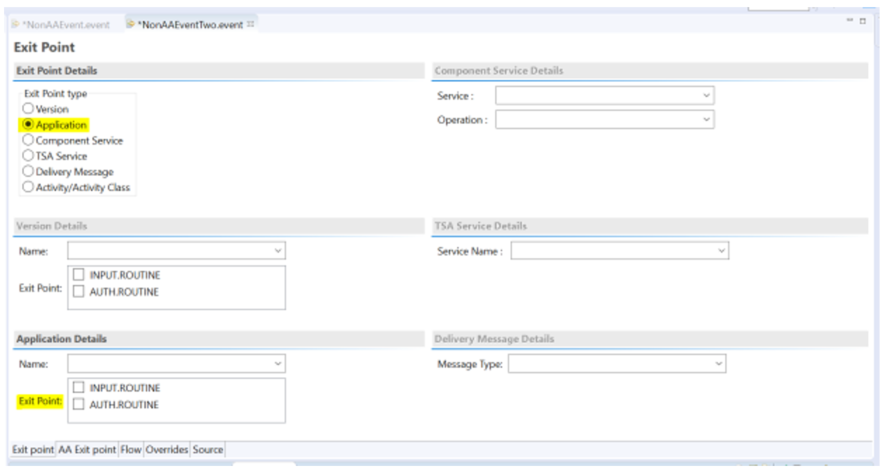
-
Now go to the respective section (i.e. either the Application or Version section).
-
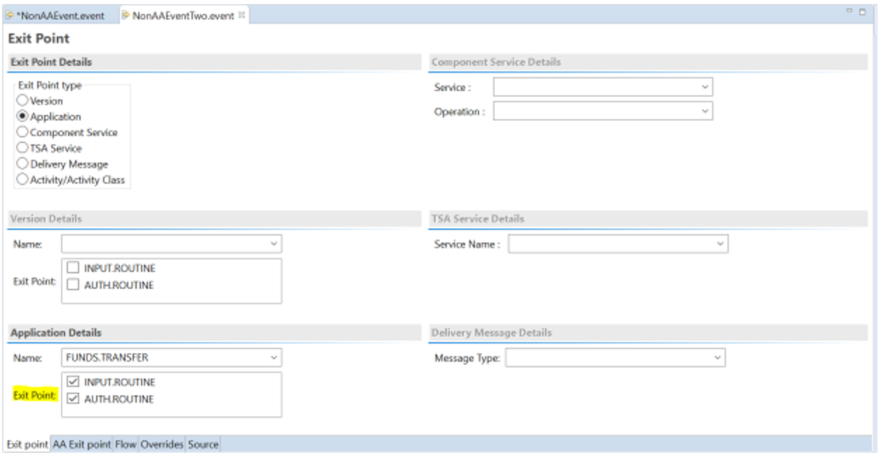
Select the Application or Version name based on the type of exit point.
-
Select one or more Exit Point stages.
-
Press Ctrl and S to save your changes.
-
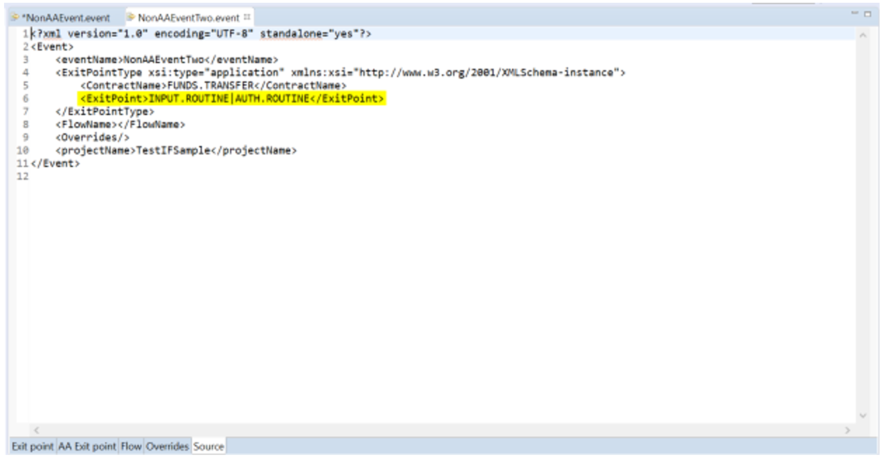
Navigate to the source tab for the event file.
NOTE:There is a tag used for holding exit point names. It will have the name of one or more exit points, seperated by the | character.
-
Define a flow for the event.
-
Publish the event.
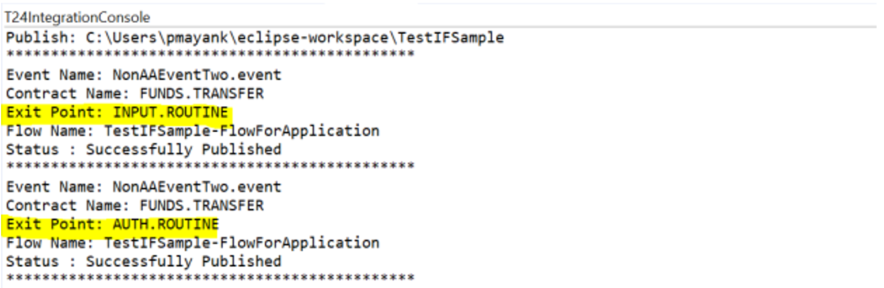
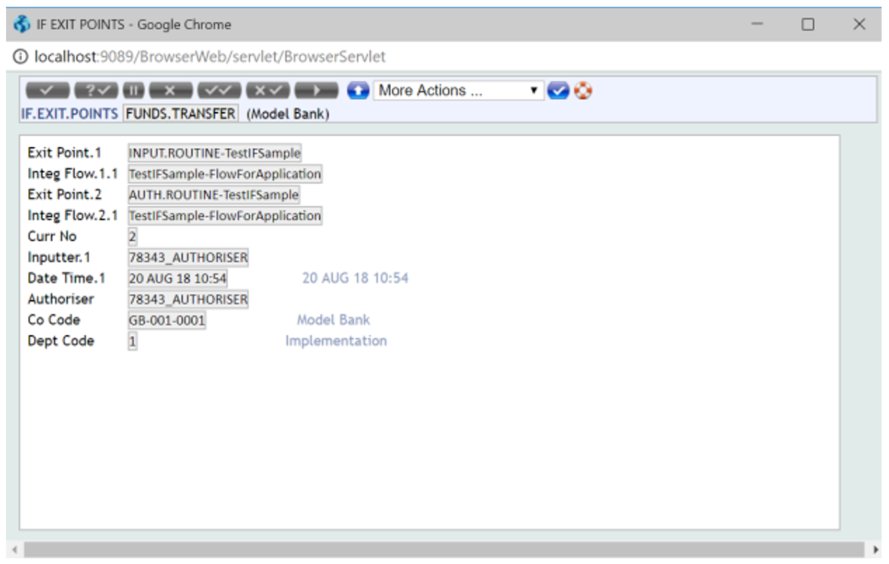
The event and its associated flow will be published as a unique exit point and flow combination. This means that if you have chosen two exit points, this will trigger two separate publishes to Transact for each exit point.
-
After publishing, click the console tab to display the logs. The Exit Point is displayed in each log.
In this topic
